 India
India
 UAE
UAE

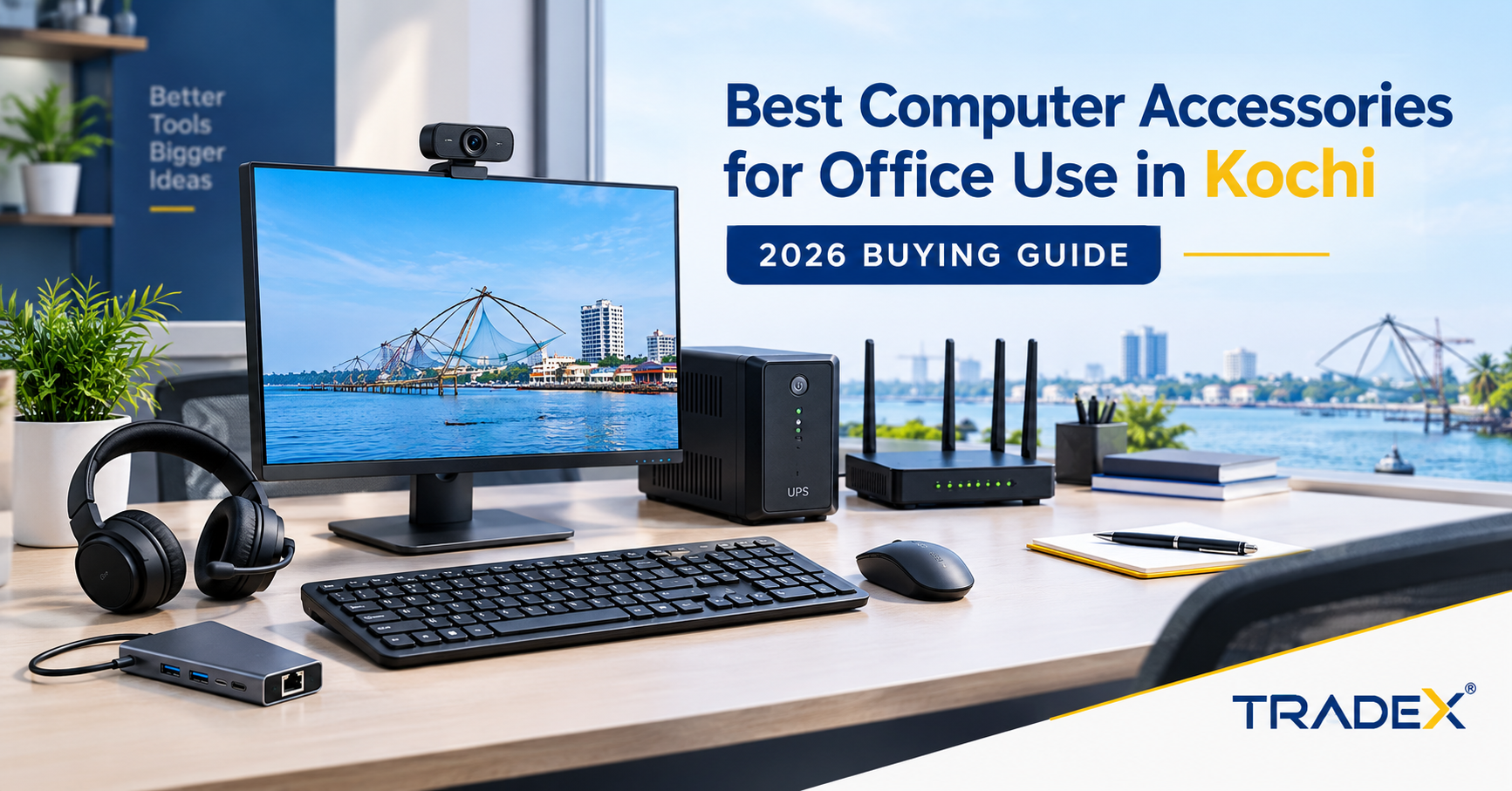
Businesses, startups and professionals in Kochi and Ernakulam need reliable computer accessories for office work, video meetings, data management and collaboration. From keyboards and monitors to networking equipment and power backup, choosing the right products helps create a practical and efficient workspace.
TradeX Store helps customers explore computer hardware and accessories for different business and personal computing requirements. In this 2026 buying guide, we cover essential office accessories, important buying considerations and options for businesses planning individual or bulk purchases.
1. Essential Computer Accessories for Office Use
Keyboards and Mice
Keyboards and mice are essential for everyday office computing. Whether employees work with spreadsheets, documents, accounting software or customer records, reliable peripherals make routine tasks easier.
When choosing a keyboard and mouse, consider wired or wireless connectivity, comfort, compatibility, durability and battery life. Offices purchasing for several employees may also benefit from standardizing peripherals to simplify replacements and inventory management.
If you are searching for a computer accessories shop in Kochi, consider the connectivity and compatibility requirements of your existing desktops and laptops before selecting products.
Monitors for Office Productivity
A suitable monitor can make it easier to work with documents, spreadsheets, business applications and multiple windows.
Before purchasing a monitor, evaluate screen size, resolution, connectivity, desk space and the intended workload. Standard office tasks may require different specifications from graphic design, video editing or other demanding applications.
Check the available HDMI, DisplayPort or USB-C connections on your computer to ensure compatibility.
Webcams and Headsets
Webcams and headsets are useful for online meetings, interviews, customer support and hybrid working arrangements.
Consider image quality, microphone clarity, background-noise handling, connection type and compatibility with your conferencing software. For teams that spend considerable time in virtual meetings, choosing suitable audio equipment can improve communication.
USB Hubs, Adapters and Laptop Stands
Modern laptops often have limited connection ports. USB hubs and adapters help connect compatible peripherals, external storage devices and other accessories.
Laptop stands can improve screen positioning, while docking stations can simplify connections to external monitors, keyboards, mice and networking equipment.
Check the supported data speeds, display output, power delivery and connector types before purchasing these accessories.
For additional options, visit the TradeX computer accessories shop in Kochi and Ernakulam to explore the relevant product categories.
2. Networking Equipment for Kochi Offices
Reliable connectivity is important for cloud applications, online meetings, file sharing and communication between employees.
Depending on your requirements, an office may need routers, network switches, Ethernet cables, connectors, Wi-Fi adapters and other networking accessories.
Before selecting equipment, consider the number of connected devices, office layout, internet speed, coverage requirements and expected network usage.
Businesses planning a complete IT setup can explore TradeX's IT hardware supplier services in Kochi and Ernakulam for broader computing equipment and networking requirements.
A well-planned setup should account for future expansion as well as current needs. Larger offices may require a more structured network design to provide suitable connectivity throughout the workplace.
3. UPS Systems and Power Protection
Power interruptions can disrupt office activities and affect connected equipment. An uninterruptible power supply (UPS) can provide temporary backup power to compatible devices during an outage.
Before purchasing a UPS, consider the combined power consumption of the equipment, required backup duration, number of connected devices and battery maintenance requirements.
Offices with multiple computers or networking devices should calculate their expected load before selecting a suitable model. A UPS should be chosen according to the equipment it needs to support rather than price alone.
Also consider appropriate surge protection and safe cable management when organizing your office workstation.
4. Choosing Computer Hardware for Different Business Needs
Different organizations require different computer configurations and accessories. The best purchasing decision depends on the work being performed, existing equipment and available budget.
Small Offices and Startups
Small offices may prioritize affordability, reliability and ease of setup. Essential purchases can include monitors, keyboards, mice, headsets, adapters and basic networking equipment.
Start with the accessories required for daily operations and expand the setup as your team grows.
Corporate Offices and Bulk Buyers
Corporate offices often need consistent accessories across multiple workstations. Standardization can simplify compatibility checks, procurement, maintenance and replacement planning.
Before requesting a bulk quotation, prepare a product list with quantities, preferred specifications, existing computer models, budget and delivery requirements.
TradeX Store supports enquiries for computer hardware and accessories. Businesses can share their requirements to discuss available products and suitable purchasing options.
Gaming, Design and High-Performance Workstations
Some users need higher-performance computers for gaming, content creation, design, streaming or demanding professional workloads. These setups may require suitable monitors, headsets, keyboards, mice, storage devices and other compatible peripherals.
If you are looking for gaming systems, explore the TradeX gaming PC and laptop store in Kochi.
When selecting equipment, consider the intended applications, graphics requirements, connectivity, cooling and future upgrade needs. Choose accessories that are compatible with the system rather than purchasing products solely for appearance.
5. Refurbished Laptops and Office Computing on a Budget
Businesses and individuals looking to manage their equipment budget may also consider refurbished laptops, depending on their intended use and required specifications.
Before purchasing a refurbished laptop, check its processor generation, RAM, SSD capacity, battery condition, physical condition, included accessories and applicable warranty terms.
For office tasks such as email, documents, web applications and routine business software, the right configuration will depend on the applications being used and their system requirements.
If you are comparing affordable computing options, visit the TradeX refurbished laptops shop in Kochi and Ernakulam.
Companies planning to purchase multiple refurbished laptops should share the intended use, preferred specifications, quantity and budget when requesting a quotation. This makes it easier to assess which available configurations match their requirements.
6. CCTV and Security Equipment for Offices
Computer hardware planning may also involve security and surveillance requirements. Offices, retail outlets, warehouses and other business premises may need CCTV equipment alongside their computing and networking infrastructure.
Before selecting surveillance equipment, consider the areas that need monitoring, camera placement, lighting conditions, recording requirements, network connectivity and storage capacity.
Businesses should confirm compatibility between cameras, recording equipment and their existing network before purchasing a system.
For related security equipment, visit the TradeX CCTV camera supplier page for Kochi and Kerala to explore the relevant product and service information.
Security requirements vary by location and business type, so choose a configuration that fits the premises and intended monitoring needs.
7. What to Check Before Buying Computer Accessories
Before finalizing your purchase, review these important considerations:
Compatibility: Confirm that the accessories work with your existing computers, operating systems and connection ports.
Specifications: Compare features relevant to your intended tasks instead of relying on brand or price alone.
Warranty: Review the applicable warranty terms and understand what is covered.
Availability: Confirm product models and quantities before placing a large order.
Total cost: Account for necessary cables, adapters, installation and potential replacement costs.
Future requirements: Consider whether the equipment can accommodate additional users or planned workstation upgrades.
Supplier communication: Provide clear requirements so that the supplier can help you identify suitable options and confirm availability.
These checks can help businesses avoid compatibility problems and make better-informed purchasing decisions.
8. Where to Buy Computer Accessories in Kochi and Ernakulam
If you are looking for computer accessories in Kochi, choose products based on your actual requirements and the compatibility of your existing setup.
TradeX Store serves customers looking for computer hardware, laptops, accessories and related equipment. Whether you need accessories for a single workstation or are planning a larger office setup, preparing a list of products and specifications can make the purchasing process more straightforward.
Explore the TradeX computer accessories shop in Kochi and Ernakulam to browse the relevant product categories.
You can also visit the TradeX laptops and accessories to review available products.
For bulk enquiries, share the products you require, quantities, preferred specifications and intended use to discuss availability and quotation options.
Frequently Asked Questions
Which computer accessories are essential for an office?
Common essentials include keyboards, mice, monitors, webcams, headsets, USB hubs and suitable cables. Networking equipment and UPS systems may also be required depending on the office setup.
Where can I buy computer accessories in Kochi?
You can explore the TradeX Store computer accessories page for Kochi and Ernakulam to review relevant product categories and enquire about your requirements.
Can businesses request bulk computer accessories quotations?
Businesses can contact TradeX Store with their product list, quantities, preferred specifications and budget to enquire about available options and quotations.
How do I choose the right monitor for office use?
Consider screen size, resolution, available ports, desk space and the applications employees use. Ensure that the monitor supports your computer's display connections.
Are refurbished laptops suitable for office use?
They can be suitable when their specifications, condition and warranty meet the intended workload and business requirements. Check the processor, RAM, SSD, battery condition and applicable warranty before purchasing.
Does an office need a UPS?
A UPS can provide temporary backup power for compatible equipment. Select a model based on the connected load and required backup duration.
What should I consider when installing CCTV at an office?
Consider coverage, lighting, camera placement, recording requirements, storage, network connectivity and compatibility with the recording equipment.
Conclusion
Choosing the right computer accessories can help businesses build more organized, productive and reliable workspaces. From keyboards and monitors to networking equipment, refurbished laptops, gaming systems and CCTV solutions, every purchase should match the intended use and available budget.
TradeX Store helps customers explore computer hardware and accessories for different computing requirements in Kochi and Ernakulam. Visit the relevant product pages to review your options, or contact the team with your requirements to discuss availability and bulk quotations.